Your notes.
Never shared on the screenshares anymore.
CluePad keeps your script, talking points and cues floating on your Mac, and out of every screen share, recording and screenshot.
Already bought? Get your download link
macOS 14 Sonoma or later · Apple Silicon
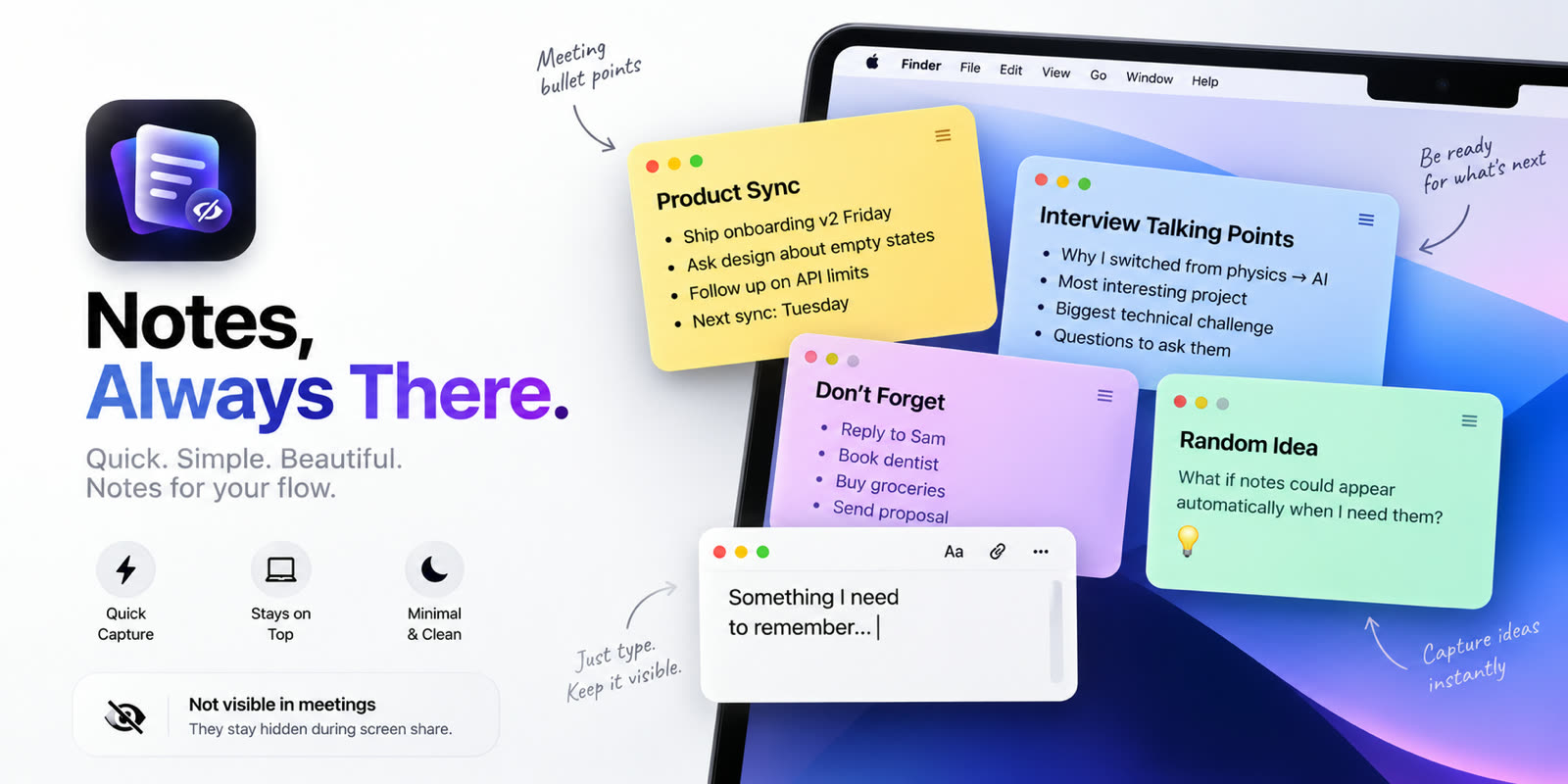
Share your screen. Keep your notes.
CluePad excludes its windows from macOS screen capture itself, so your script is missing from the share, the recording and the screenshot — while staying perfectly readable to you.
On, off, and gone.
Toggle protection per note, or press ⌥⌘H and every note leaves the screen at once. Panic hide writes nothing, so the key you reach for in a bad moment can never be the one that loses your material.
As many notes as the moment needs.
Colour them, resize them, make them click-through, group them into workspaces. They float above every app without ever stealing focus from the one you are presenting.
Built for the moment you’re on air
Every detail exists because something goes wrong without it.
Off the shared screen
Excluded from the capture pipeline itself — not moved, not faded. Shares, recordings and screenshots do not contain them.
Never steals focus
Click a note and Keynote, Zoom or your browser stays frontmost, still taking the keyboard.
Works on every Mac
Not tied to the notch. Mac mini, iMac, Studio Display, or a clamshell MacBook on an external monitor.
Click straight through
Clicks land in the app underneath while the note stays readable. The top strip stays live, so it is never a one-way door.
Panic hide
⌥⌘H and everything is gone. It writes nothing at all.
Workspaces
A sales pitch, an interview script and a standup checklist, kept apart.
Pay once. Keep it.
No subscription, no account, no trial to expire.
One payment. Yours forever, on up to 3 Macs.
- ✓Every feature, no tiers
- ✓Up to 3 Macs
- ✓Works completely offline
- ✓Free updates
- ✓No subscription, no account
- ✓14-day refund, no questions
Already bought? Get your licence key
Questions, answered
Does it really stay hidden during a screen share?
Yes — and we measured it rather than assuming. CluePad was verified on macOS 26.3 against all three capture paths, including the live stream API that Zoom, Teams and OBS use. In each case the note was on screen and absent from the capture.
What does it not protect against?
Anything that does not go through macOS window capture: a phone pointed at your screen, an HDMI capture box, AirPlay mirroring, or someone remote-controlling your Mac. We would rather say this plainly than promise otherwise.
Is there a free trial?
No. CluePad is a single payment — no trial to expire, no subscription, and no account to create.
Does it need an internet connection?
Only to buy it. Your licence is verified on your own Mac, so CluePad works on a plane and in locked-down conference rooms.
How to hide notes during screen sharing on a Mac
Three ways to keep private notes off a shared screen, and which one actually holds up.
Using your Mac as a teleprompter
Why notch teleprompters fail on an external monitor, and what to use instead.
Presenter notes on Zoom, Meet and Teams
Where each app puts your notes, what the audience can see, and how to stay in control.